New
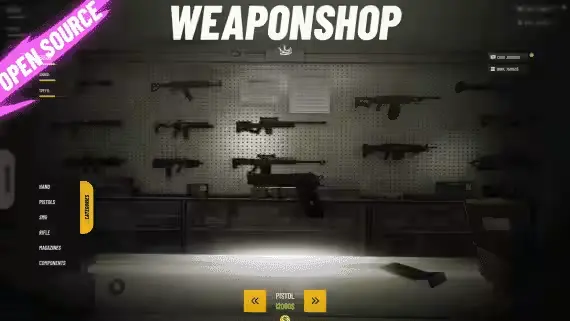
Weapon Shop with Rotating Displays and Component Items
$10.00
The weapon turns in front of the buyer before any money changes hands
Lifetime updates
This is a browsing view rather than a shelf with an argument. It gathers every resource here that states Qbox support, and each product page says whether that support is native to qbx_core or reached through a compatibility bridge.

The weapon turns in front of the buyer before any money changes hands
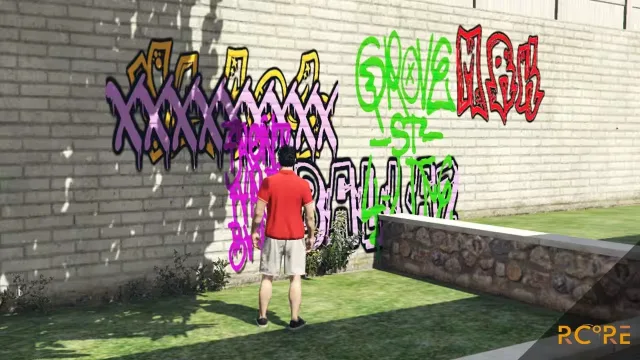
A tag put up tonight is still there after the restart

Key hints on screen, so new players stop asking which button does what
Paperwork, billing and patient records without leaving the ambulance

Turn "have you been drinking?" into a test with a number at the end

Work an informant, read a guard and beat the lasers to the vault
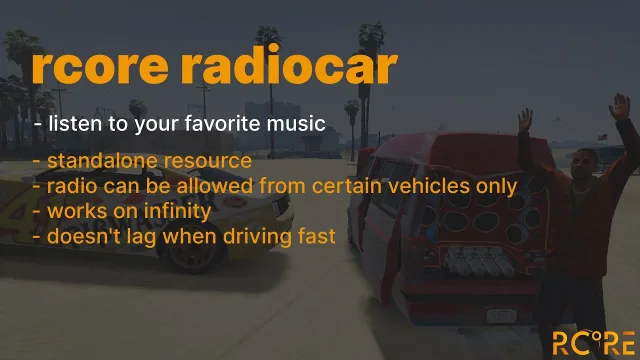
Open the doors at the car meet and the whole lot hears it

Every parked car becomes a small decision about risk

A new arrival needs wheels before they need anything else
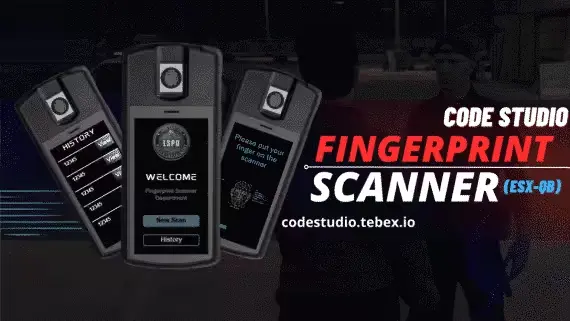
The officer and the suspect watch the same result arrive
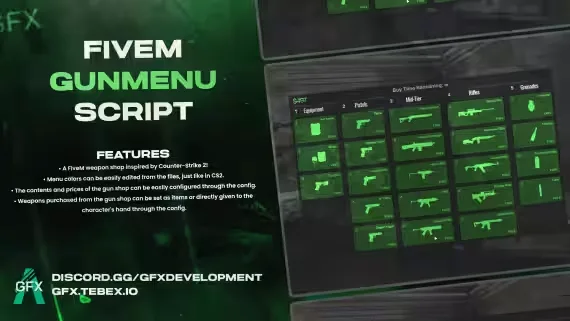
A weapon shop your players already know how to use
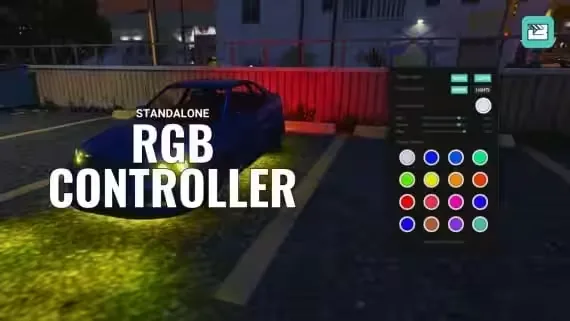
Any color under the car, picked from a clean panel
Whoever did the most to the fire takes the largest share

A starter heist for small crews that costs you nothing

The chase can end when the dart lands, not when someone crashes

Traffic, trains and ships finally have to wait for each other