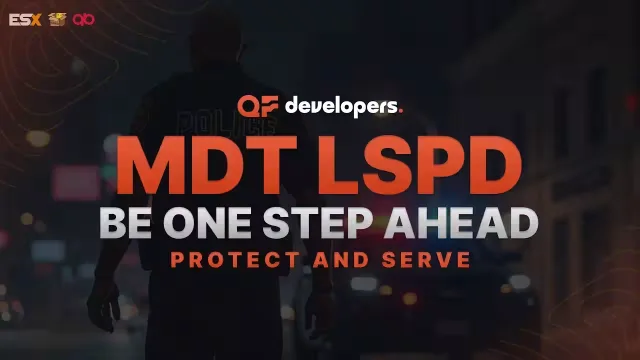
Free Police Tablet with Warrants, Fines and Records
FREE
Give your department a records system before you spend anything
Lifetime updates
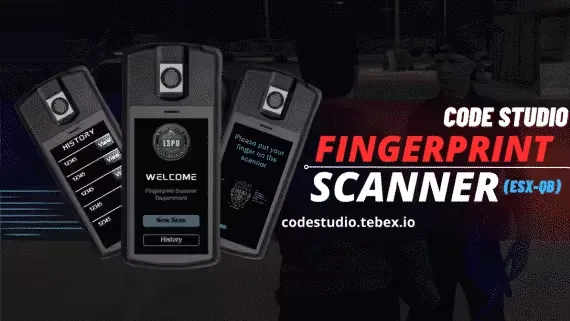
"What is your name?" is easy to lie to. A fingerprint is not. This free scanner from Code Studio gives police a prop to take out, a scan to run and a result both people can see.
The UI is synced between the two players in the scan. The suspect watches the same screen update as the officer, at the same moment, which turns a database check into a shared bit of roleplay.
The config and the preview video show the complete feature list.
Reviews are moderated before appearing. Purchased the product? Your review gets a VERIFIED badge automatically.
Give your department a records system before you spend anything
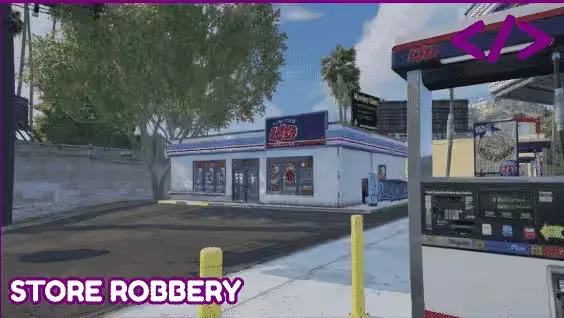
Nobody spends the whole evening emptying the same liquor store

Any player can put a price on any other player

An offshore robbery that costs nothing and comes with its source

Unleash a zombie night, then send the bravest into the dungeon
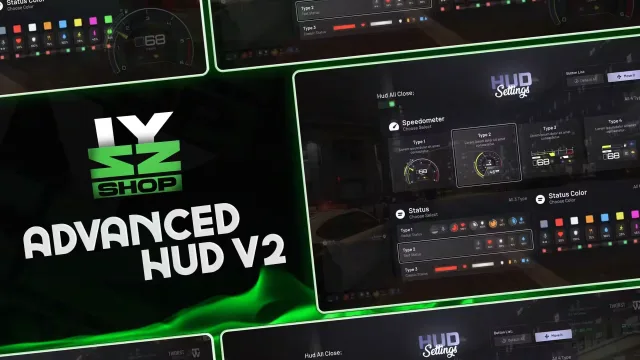
Three status layouts, four speedometers and nothing fixed in place

Players choose where they arrive

Change the lightbar from the mod menu, not by adding another model

Your players buy without leaving the server, and delivery is automatic

Set the rule once for the building, not forty times for forty doors
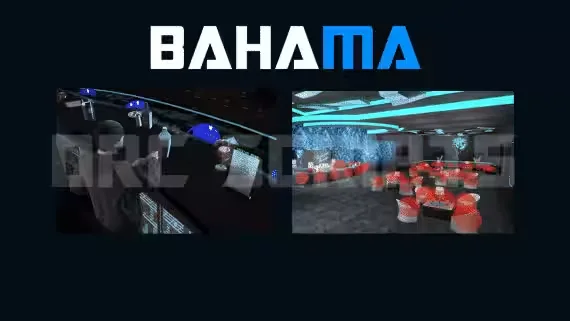
Staff the bar, serve the floor and run the club from the boss office

Cleaning money becomes a career with a start, a middle and an endgame
Free Fingerprint Scanner with a Shared Two Player Screen is a free FiveM script for esx, qbcore, qbox servers. It’s part of the Tebex FiveM Store catalog, a curated selection of battle-tested resources for QBCore, ESX and Qbox roleplay servers. Every script on Tebex FiveM Store ships with lifetime updates, secure payments by Tebex, and email support for technical questions.
Whether you’re building a QBCore server from scratch, upgrading an ESX Legacy deployment, or migrating to Qbox, this resource drops in cleanly and runs at 0.00ms idle resmon. The config-first design means you can customize prices, permissions and locations without touching the core Lua.