
Free RAINMAD Chopshop Job with Digiscanner Hunt
FREE
Find the key, take the car and sell it one part at a time
Lifetime updates
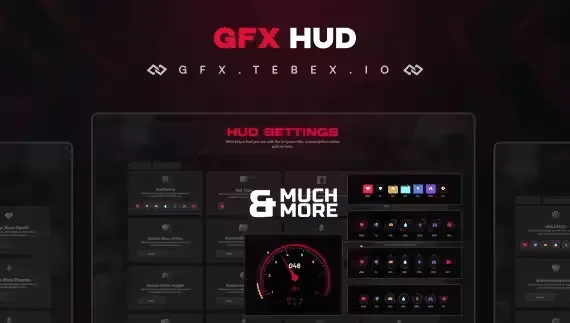
Character stats. Health, armor, hunger, thirst, energy, stamina and mental health, in one of 4 designs.
Map. Location and time shown with it.
Key binds. The essential bindings are displayed on screen.
Vehicle. Detailed vehicle information with a nitro gauge that responds as it is used.
Players adjust the HUD themselves.
Everything is adjusted in the config file. The script is compatible with ESX and QB-Core.
Three free HUDs are easy to confuse. One has the most designs, one lets every element move, and this one from GFX adds the key bind display and the nitro gauge. Choose by which of those your players will notice.
Reviews are moderated before appearing. Purchased the product? Your review gets a VERIFIED badge automatically.
Find the key, take the car and sell it one part at a time
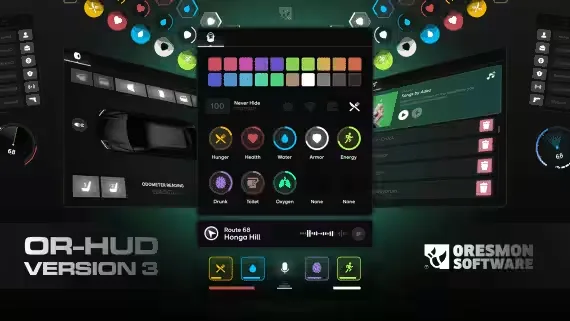
Set it up once and it is the same when you log back in
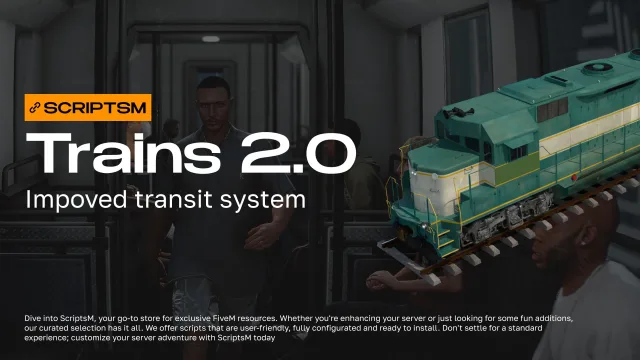
Tickets, commuters and fare checks for the city's trains

Foot chases end with a dive, not a taser

The mechanic plugs in and finds out, and stops guessing

Cargo that other players can see is cargo worth worrying about
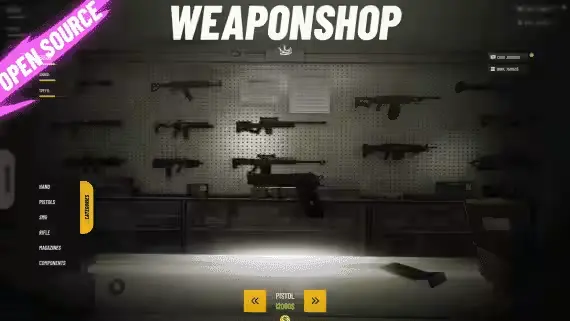
The weapon turns in front of the buyer before any money changes hands

Set the rule once for the building, not forty times for forty doors

Traffic, trains and ships finally have to wait for each other

A new arrival needs wheels before they need anything else

Cook it, move it and clean the money, all from one burner phone
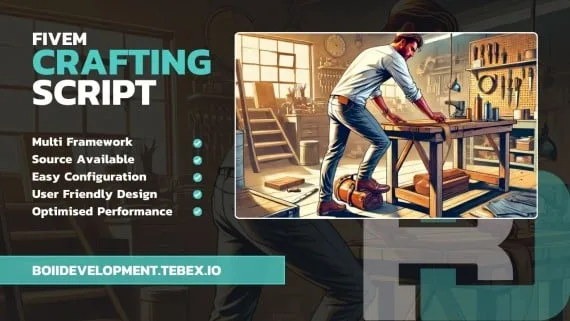
You decide what each bench makes and who is allowed to touch it
Free GFX Advanced HUD with Four Designs and a Nitro Gauge is a free FiveM script for esx, qbcore, qbox servers. It’s part of the Tebex FiveM Store catalog, a curated selection of battle-tested resources for QBCore, ESX and Qbox roleplay servers. Every script on Tebex FiveM Store ships with lifetime updates, secure payments by Tebex, and email support for technical questions.
Whether you’re building a QBCore server from scratch, upgrading an ESX Legacy deployment, or migrating to Qbox, this resource drops in cleanly and runs at 0.00ms idle resmon. The config-first design means you can customize prices, permissions and locations without touching the core Lua.