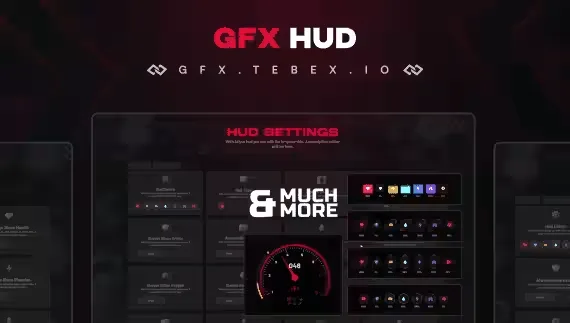
Pick the one your players can turn down
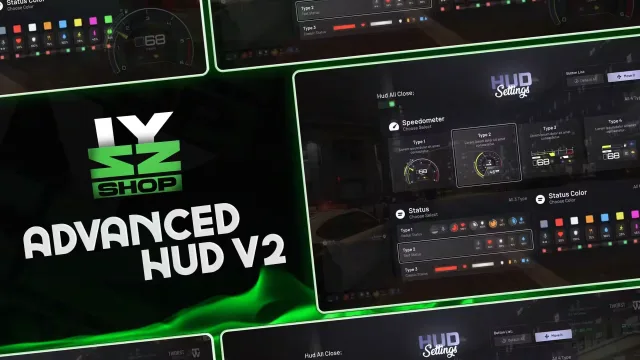
The single most useful feature on this shelf is a settings menu. Players disagree about how much information belongs on screen, and a display that lets each of them move elements, recolour bars or hide the whole thing ends the argument. Look for settings that persist between sessions, because a player who has to redo it every login will just ask you to remove it.
Match the display to what your server tracks
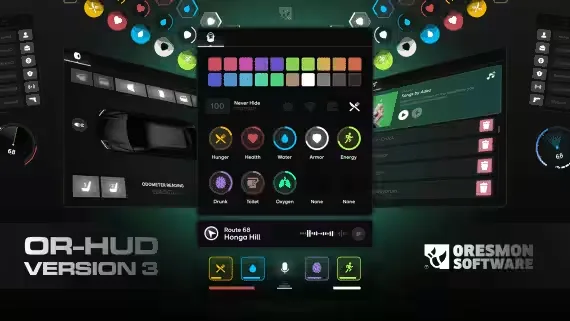
There is no point showing hunger, thirst, stamina and stress if your framework does not move three of them. Equally, a display that cannot show the status your economy depends on is the wrong one. Count what your server actually tracks and buy the display that covers it without inventing bars nobody fills.
Vehicle readouts and voice
The vehicle half is where these differ most: speedometer designs, a gear indicator, a seatbelt system, a fuel integration that has to point at your fuel resource, and a per vehicle exclusion list for the cars that should not have any of it. Voice indicators need to match the voice resource you run, so check that line before buying.
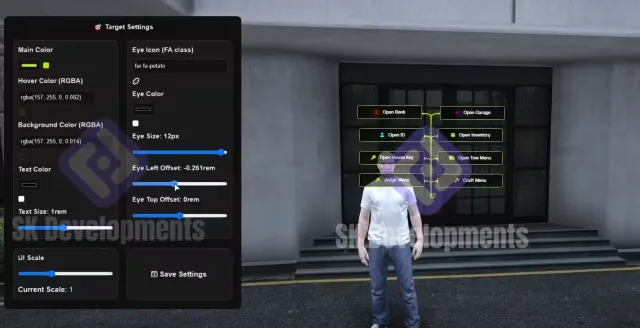
Target overlays and chat
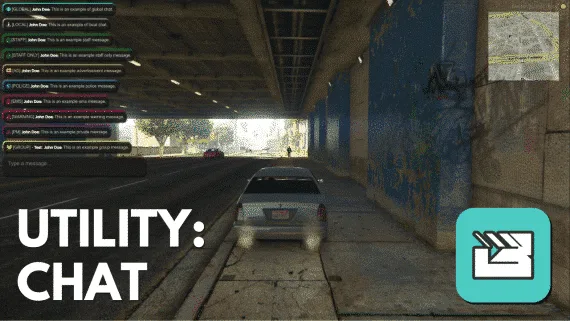
The target overlay and the chat window are different purchases from a status display, and both are easy to overlook. A consistent target style across every interaction makes a server feel finished, and a chat window with message logging gives staff a record that voice never leaves behind.