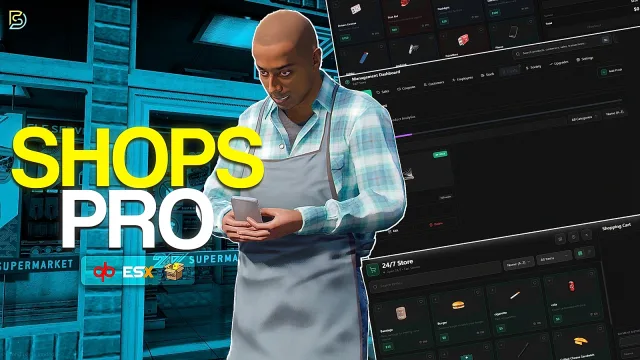
Custom Shops Pro: Free Player Owned Shops with Staff and Stock
FREE
Every store is a small business with employees, orders and accounts
Lifetime updates
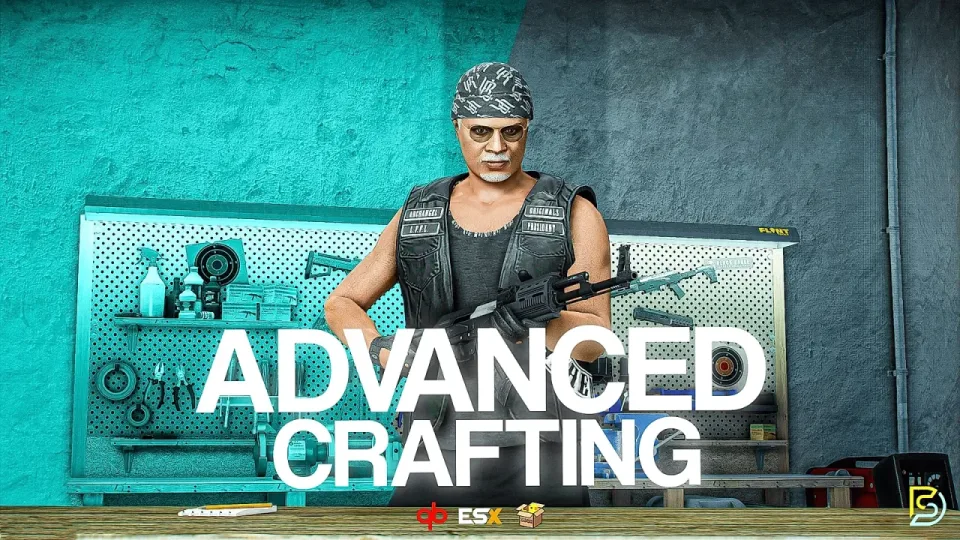
In many servers crafting is a menu with a timer. This free system is built to be much more than that. It combines workbenches, progression, blueprints and an admin panel into one resource, and every feature, toggle and value is exposed in the config. You can browse the full config files on the docs site before you install.
Static workbenches. You place benches at fixed locations in the config. Each has its own recipe pool, its own tech tree pool and an optional map blip. These suit public crafting spots.
Placeable workbenches. Players buy portable benches and deploy them anywhere.
Permissions. A placed bench belongs to its owner by default. Owners grant and revoke access from a dedicated tab, and the access lists are stored in the database. You can also turn permissions off and open every placed bench to everyone.
Job and gang restrictions. Any static workbench can be locked to specific jobs, specific gangs or a minimum grade, and you can edit those restrictions live in the admin menu.
Tech trees. Players earn tech points by crafting and spend them across several skill branches, with prerequisites gating the later nodes. Each workbench type can have its own tree. In shared mode, a node unlocked by one player is unlocked for every user of that bench.
Levels and XP. Every craft grants XP. Recipes can require a level, and leveling can run per workbench or be shared globally.
Blueprints. Rare recipes can require a blueprint. The recipe appears only when a blueprint is attached, and blueprints can be limited by bench type. With ox_inventory, durability is tracked in item metadata. A legacy random destruction option is included as well.
The queue. Players line up several crafts and they process in order with live progress. Cancelling refunds the materials. Options include a UI lock, a movement radius restriction, a shared queue mode and ownership tracking per player.
The crafting stash. This is a crafting focused inventory view wrapped around your real inventory. It has live updates, drag and drop materials, filtering by recipe ingredient, item search and weight management. It can be shared or per player, and it persists through restarts. It was inspired by ProdigyRP.
Metadata. Any item can carry any metadata field, such as durability, quality or grade. That allows several variants of one item, for example a weed item with og_kush metadata beside one with skywalker_og.
NPC vendors can sell portable workbenches and raw materials at prices you set, for cash or bank payment.
Open it with /craftadmin. Everything persists and syncs in real time, with no restart.
The server side uses caching to keep database load low.
Logging is built in for Discord (formatted embeds), Fivemerr, FiveManage, Grafana and Loki. A separate logs.lua file sets the destinations and which actions are recorded. English and German are included, and a new language takes a few minutes to add.
An included Node.js tool generates blueprint style inventory images. It detects your inventory system, overlays your existing item images and outputs finished graphics, with batch processing, custom sizing, color tinting and multiple templates.
ESX, QBCore and Qbox are supported and detected automatically.
The creator will help add other inventories, and more features are planned for future updates.
Reviews are moderated before appearing. Purchased the product? Your review gets a VERIFIED badge automatically.
Every store is a small business with employees, orders and accounts

Work an informant, read a guard and beat the lasers to the vault

A slow, legal income for players who like to tend something

Buy a lab door first and it is yours. The cops can still raid it.
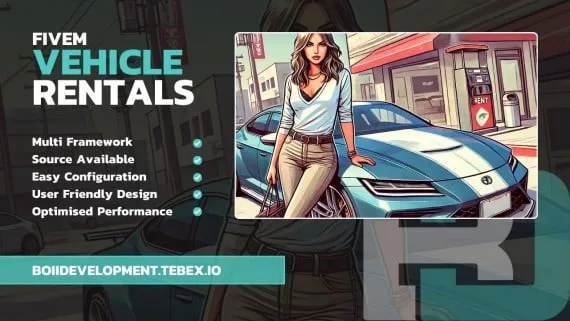
A new arrival needs wheels before they need anything else
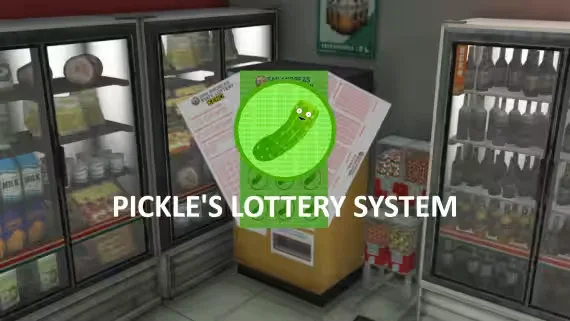
Pick your numbers, wait for the draw and hope

A small script that players notice every time they park

Let players name their cars, and sell the best plates yourself

Adult roleplay with consequences that last past a restart

One revolver, one table and a room that goes very quiet

One screen for the calls, the units and the plan
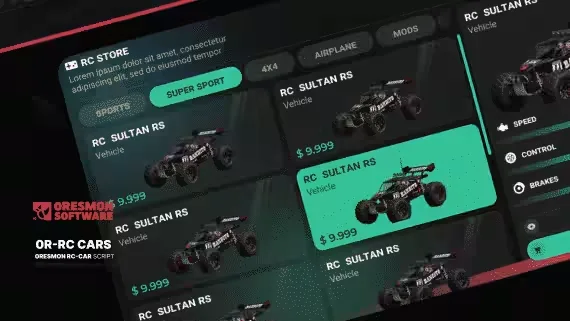
A toy, a scout and a weapon, depending on what is bolted to it
Free Crafting System with Tech Trees and Placeable Benches is a free FiveM script for esx, qbcore, qbox servers. It’s part of the Tebex FiveM Store catalog, a curated selection of battle-tested resources for QBCore, ESX and Qbox roleplay servers. Every script on Tebex FiveM Store ships with lifetime updates, secure payments by Tebex, and email support for technical questions.
Whether you’re building a QBCore server from scratch, upgrading an ESX Legacy deployment, or migrating to Qbox, this resource drops in cleanly and runs at 0.00ms idle resmon. The config-first design means you can customize prices, permissions and locations without touching the core Lua.